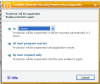
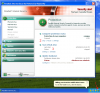
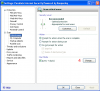
Kaspersky started a scan just before I was to begin an online meeting. It gives me the option of pausing, but there is no way to exit the pause dialog box except to cancel the pause itself (see attached.) Also, I can't figure out how to schedule a scan at a more convenient time.

Can't pause Kaspersky scan. Or schedule one.
- Thread starter TucsonTom
- Start date