I'm going mad from Parallels' window management.
App Switcher (Cmd-Tab) contains Parallels Desktop and each running virtual machine. When switching to a virtual machine window via App Switcher, the Parallels Desktop main app pops to first place while actually the virtual machine window is active. This breaks our mental representation of the list in App Switcher and prevents quick back and forth Cmd-Tab, as a single Cmd-Tab will take you to the currently active virtual machine. Switching between a full-screen virtual machine and another app, the Parallels Desktop app is placed before the virtual machine, causing you to end up with all the non-full-screen windows brought to the front, including Control Center if open. I may well have neglected to mention additional similar scenarios I've encountered, but you get the point.
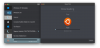
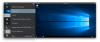
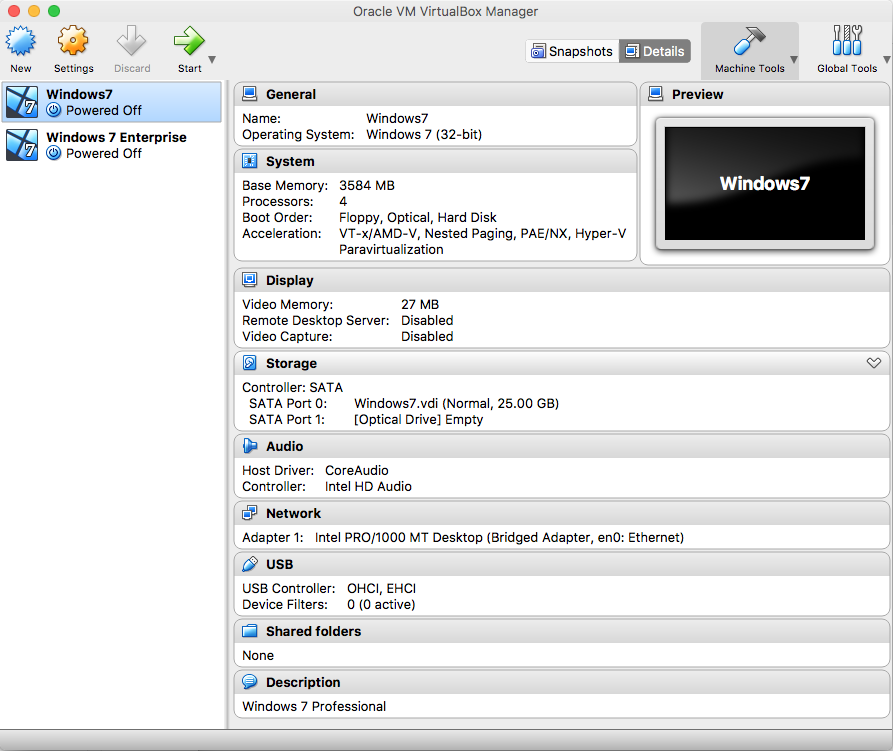
I propose a single window mode.
- Make Control Center the main window for the Parallels Desktop app.
- Integrate the virtual machine displays in the main window.
- Hide all virtual machines from Dock and App Switcher unless configured.
- Never break expectations of order in App Switcher.
- Allow to break out virtual machines in separate windows.
Example: