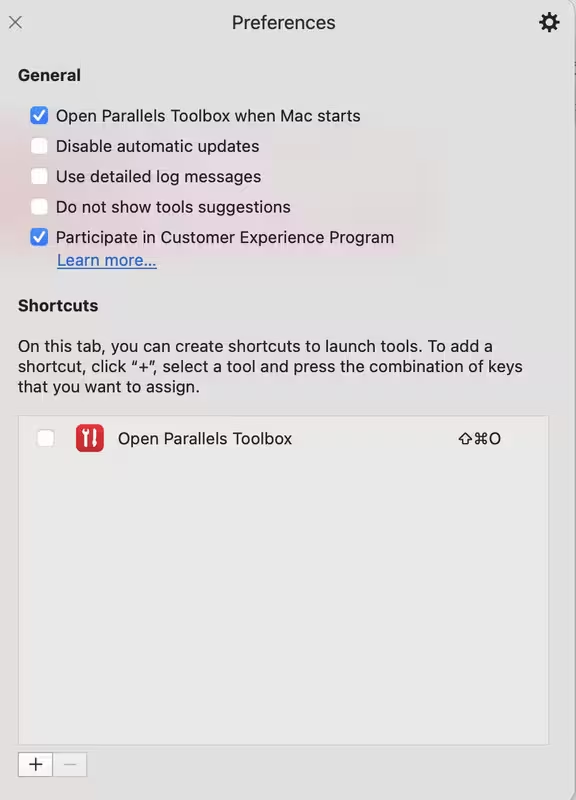
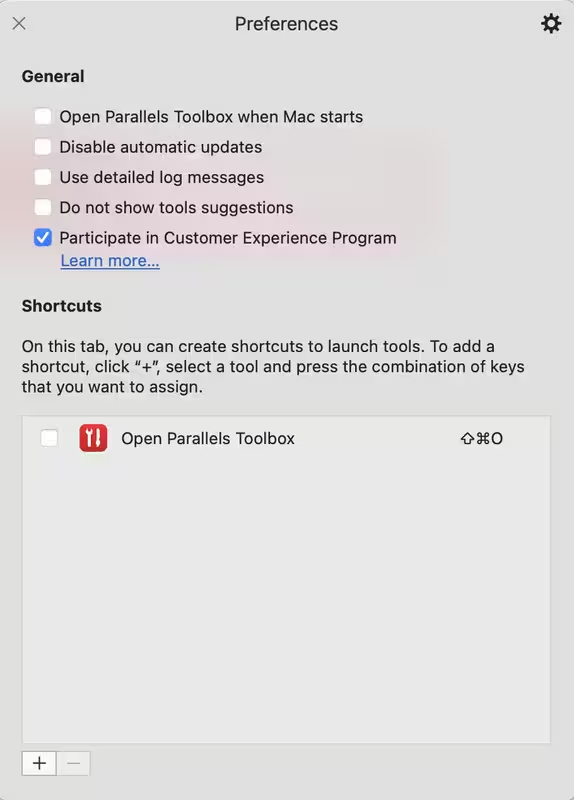
Sorted it. Had to disable P/Tools (and other associated launched P/T monitors) "Open When Mac starts" check box(es). Then go into System Settings -> Login Items & Extensions and delete all the Parallels Tools and Parallels Tool Launcher items. Reboot, then start Parallels Tools again and check the various "Open When Mac Starts" boxes again.
Now it's sticking.