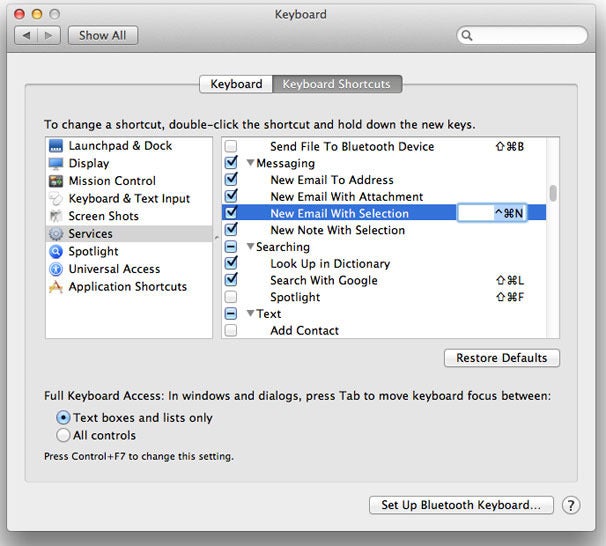
Hi. I installed the Parallels 11 trial recently. I noticed that it adds one or two additions to the Mac context menu. Whenever you right-click on a file or folder it will say either "Reveal in Windows" or "Open in windows" at the bottom. I really don't like this, and I can't get rid of it. Even uninstalling Parallels doesn't remove these options, which is dumb 
I have tried disabling various Applications and Sharing options in Parallels. Most noticeably the "Windows Applications folder" in Mac, which I didn't like either. That got removed, but these context menu options seem to be forever part of my Mac now Choosing the option that isolates Windows from Mac doesn't work either. No matter if I buy Parallels and keep using Virtual Windows occasionally I wouldn't want this feature. If I were to open a file in Windows I would much prefer to drag it into the Windows environment and open it from there. It looks ugly and out of place in the context menu, but that's just my opinion 
Any help would be appreciated.
I have tried disabling various Applications and Sharing options in Parallels. Most noticeably the "Windows Applications folder" in Mac, which I didn't like either. That got removed, but these context menu options seem to be forever part of my Mac now
Choosing the option that isolates Windows from Mac doesn't work either. No matter if I buy Parallels and keep using Virtual Windows occasionally I wouldn't want this feature. If I were to open a file in Windows I would much prefer to drag it into the Windows environment and open it from there. It looks ugly and out of place in the context menu, but that's just my opinion Any help would be appreciated.