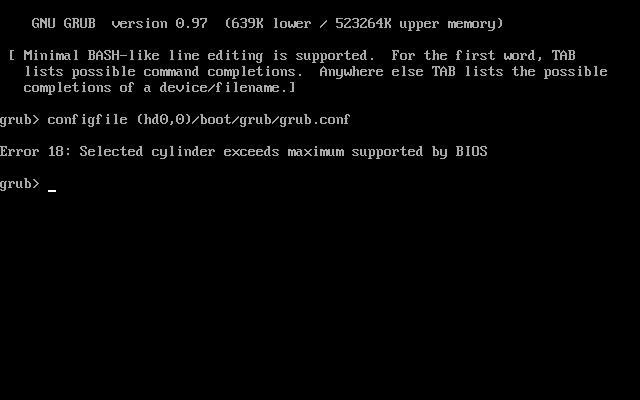
New Parallel user here...
I have a triple bootcamp system following the instructions from OnMac.net's Wiki and also have a working Custom BootCamp Image for the Windows partition (disk0s4) running on the new Parallels Desktop for Mac build 3170 RC3
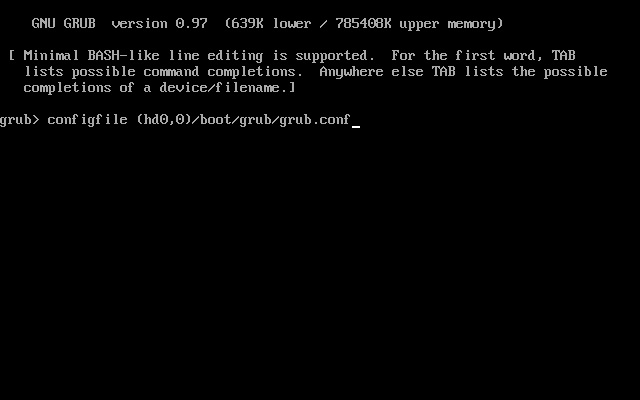
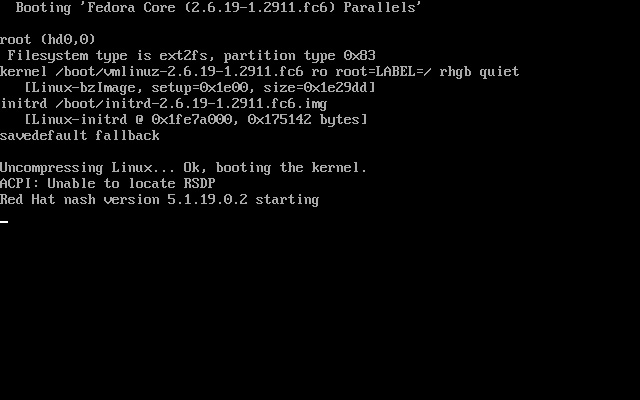
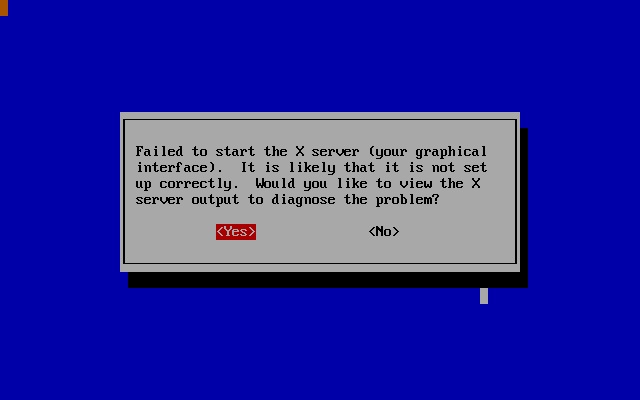
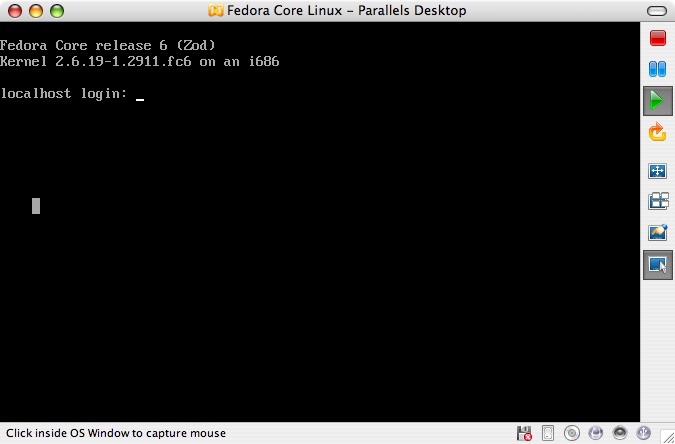
But, what I can't get working is the Linux partition (disk0s3) to work via Parallels Desktop. I have a working Fedora Core 6 install via BootCamp and can select it via rEFIt to let me boot any of the three OS's. So, I know the OS and partition are good. Here is the pvs for my Linux side...
Any ideas?
Scott
I have a triple bootcamp system following the instructions from OnMac.net's Wiki and also have a working Custom BootCamp Image for the Windows partition (disk0s4) running on the new Parallels Desktop for Mac build 3170 RC3
But, what I can't get working is the Linux partition (disk0s3) to work via Parallels Desktop. I have a working Fedora Core 6 install via BootCamp and can select it via rEFIt to let me boot any of the three OS's. So, I know the OS and partition are good. Here is the pvs for my Linux side...
Code:
[System]
Boot = c
Parallels VM Name = Fedora Core 6
VM Id = {f63d3798-cc64-4e08-a1c2-bbb92feb8fef}
VM Description =
OS Type = 151
Memory = 512
Video Memory = 16
Memory block size = 10
Acceleration level = 2
Enable write-back disk cache = 1
VT-x support = 1
Start auto = 0
AutoShutdown = 0
Start full screen = 21
Start dashmode = 0
Start full screen warning = 1
PC Speaker enable = 1
Window Mode = 1
Multi frame = -1
Guest Tools Status = -1
[Shared folders]
Shared folders enabled = 1
Sharing enabled = 0
Shared folders count = 0
[Video]
Video resolutions enabled = 1
Video resolutions count = 0
[Coherence]
Show taskbar = 1
Relocate taskbar = 0
Exclude Dock = 1
Multiple displays = 0
[IDE devices]
Disk 0:0 enabled = 1
Disk 0:0 = 1
Disk 0:0 media = 1
Disk 0:0 connected = 1
Disk 0:0 image = Boot Camp;disk0s3
Disk 0:0 cylinders = 65016
Disk 0:0 heads = 16
Disk 0:0 sectors = 63
Disk 0:1 enabled = 1
Disk 0:1 = 2
Disk 0:1 media = 1
Disk 0:1 connected = 1
Disk 0:1 image = Default CD/DVD-ROM
Disk 1:0 enabled = 0
Disk 1:0 = 0
Disk 1:1 enabled = 0
Disk 1:1 = 0
[Floppy disks]
Floppy 0 enabled = 0
Floppy 0 = 1
[Serial ports]
COM1 enabled = 0
COM1 = 0
COM2 enabled = 0
COM2 = 0
COM3 enabled = 0
COM3 = 0
COM4 enabled = 0
COM4 = 0
[Parallel ports]
LPT1 enabled = 0
LPT1 = 0
LPT2 enabled = 0
LPT2 = 0
LPT3 enabled = 0
LPT3 = 0
[Sound]
Sound enabled = 1
Sound = 1
Sound connected = 1
Sound device = Default Audio
Mixer device = Default Audio
[Network]
Network enabled = 1
Network = 3
Network connected = 1
Adapter No = 0
Adapter name = Default Adapter
Adapter type = 4
Port = 0x00000300
IRQ = 3
MAC address = 005a63ba2825
Network2 enabled = 0
Network2 = 0
Network3 enabled = 0
Network3 = 0
Network4 enabled = 0
Network4 = 0
Network5 enabled = 0
Network5 = 0
[Usb]
USB enabled = 1
USB = 1
USB autoconnect = 0
Any ideas?
Scott